














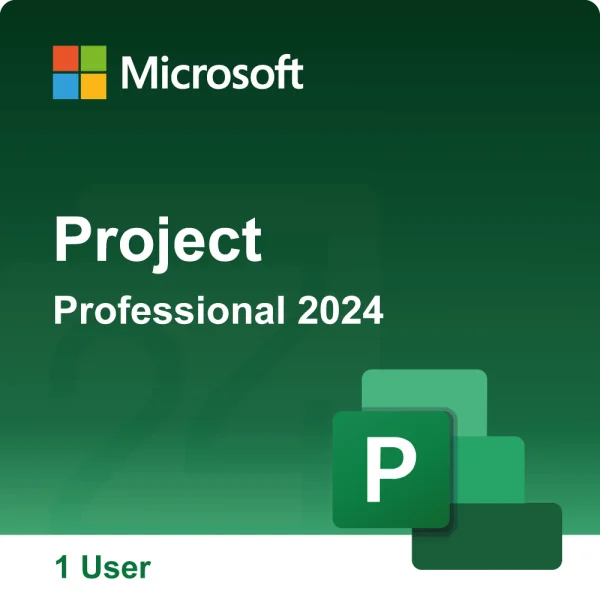
Microsoft Project Professional 2024 Ηλεκτρονική Άδεια



Microsoft Project Professional 2024
The Professional version is designed for larger teams and more complex projects and offers features such as team collaboration, resource management and advanced integration options that are missing in the Standard version.
- Ready-made templates for a quick and structured project start
- Automated planning functions to reduce inefficient processes
- Optimized task allocation through scenario simulations
- Automatic setting of start and end dates based on dependencies
- Visualize complex schedules with improved timeline views
- **Advanced Scheduling:** Manage critical paths and dependencies for complex scheduling requirements
- **Team Collaboration:** Integration with SharePoint and Microsoft Teams for seamless collaboration
- **Resource management:** Detailed insights into resource usage and management of resource requests
- **What-if analyses:** Simulation of scenarios to support informed decisions
- **Portfolio management:** Managing multiple projects at portfolio level to better align with business goals
- **Integration with Project Server and Project Online:** Comprehensive online synchronization options for centralized project information
- Licensed for 1 PC
More efficient management of your projects
Optimize project management with new, enhanced features.
Organize your projects and stick to your schedule

Familiar Charts
Use Gantt charts and other familiar tools to create schedules and minimize training time.

Optimized timelines
Visualize multiple project phases with new, improved timelines to clearly plan and manage complex projects.

Predefined reports
Create detailed insights and track project progress with preconfigured reports. Use advanced reporting features to better track and communicate with the team.
Further advantages:
Advanced scheduling:
Provides more complex scheduling tools, such as critical path and dependency management, to increase project planning efficiency.
Team collaboration:
Integration with SharePoint and Microsoft Teams facilitates collaboration and allows the team to access up-to-date project information at any time and work together on projects.
Resource management:
Provides detailed insights into resource usage, including the ability to manage and make resource requests.
What-if analysis:
Use simulations to test different scenarios and make informed decisions.
Portfolio management:
Manage multiple projects at the portfolio level and ensure all projects are aligned with business goals.
Streamlined integration:
Easily copy project information into Office apps or Microsoft 365 and share it seamlessly with your team.
System requirements:
Processor : 1.6 GHz or faster (Dual Core)
Operating system : Windows 11, Windows 10, Windows Server 2019
Memory : 4 GB RAM, 2 GB RAM (32-bit)
Hard Disk Space : 4.0 GB available space
Display : 1280 x 768 pixel screen resolution
Graphics : DirectX 10 graphics card to accelerate graphics hardware
Additional system requirements: Internet access, Microsoft account
See aka.ms/systemrequirements for the full list of system requirements
- Windows
The price has not changed yet. We will show it on this chart once it changes
Δε βρέθηκαν Κριτικές